Minimalistic, open-source project management web app
Think Google Tasks or Microsoft To Do, but self-hosted and open-source. With projects, due dates, assignments, comments, notes, and markdown.
- Free and open source
- MIT license. Use, modify, and deploy however you like.
- Self-hosted
- Run it on your own server. Your data stays with you.
- Minimalistic
- Only the features you actually need, nothing extra.
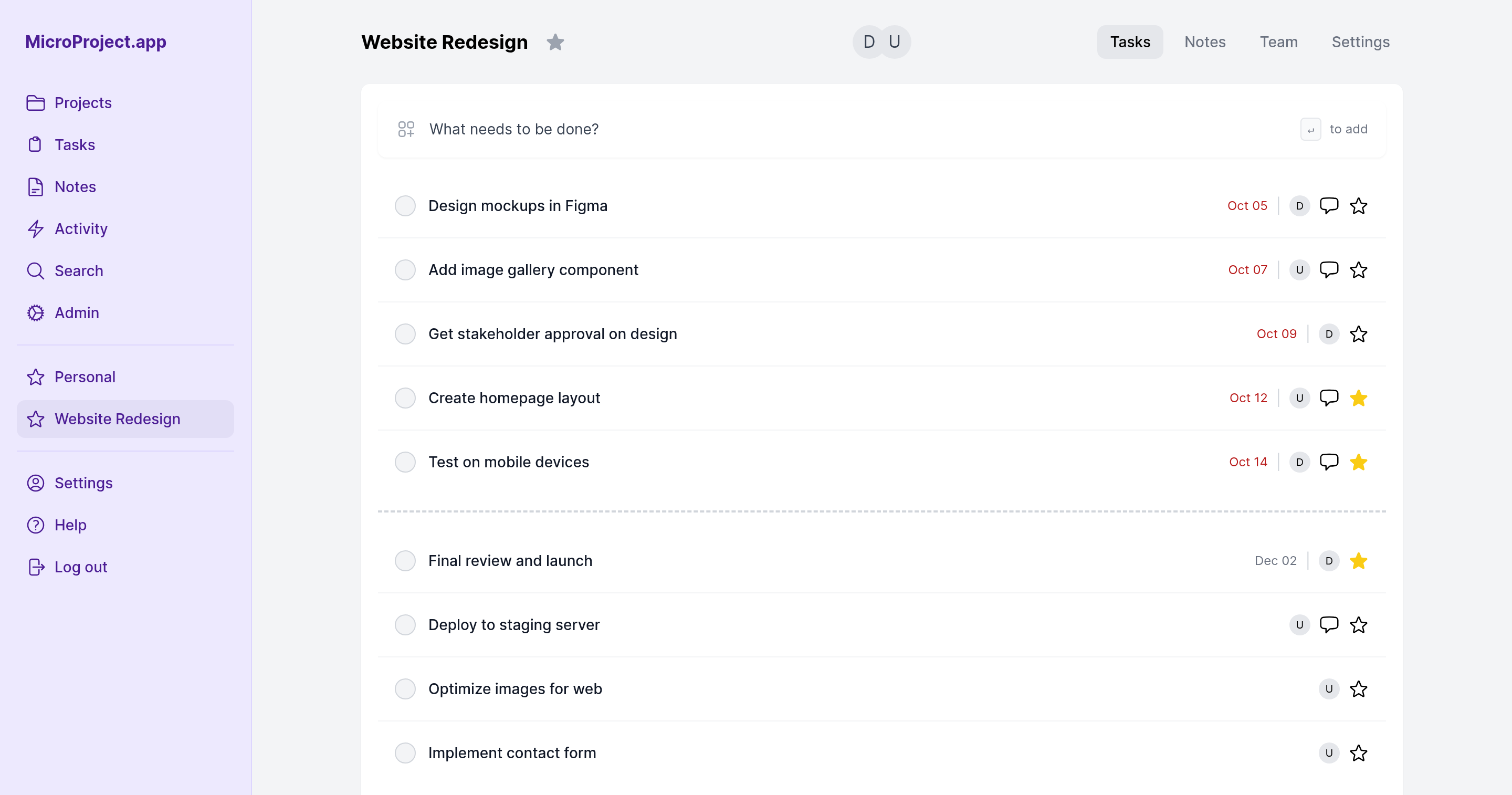
What it has
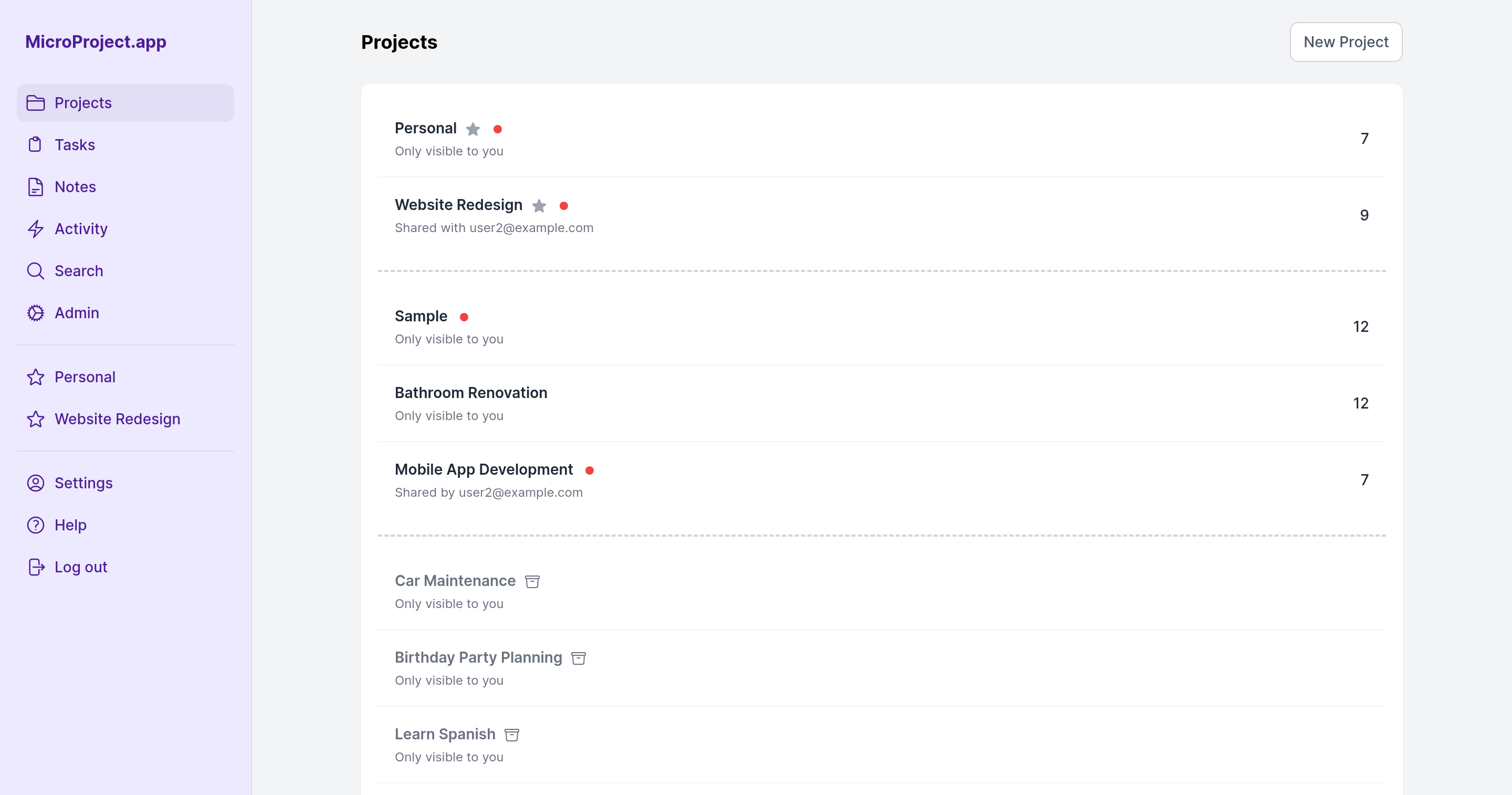
- Projects
- Group work into projects, invite members, and archive finished ones. Favorite projects show in the sidebar. Optional description and due date.
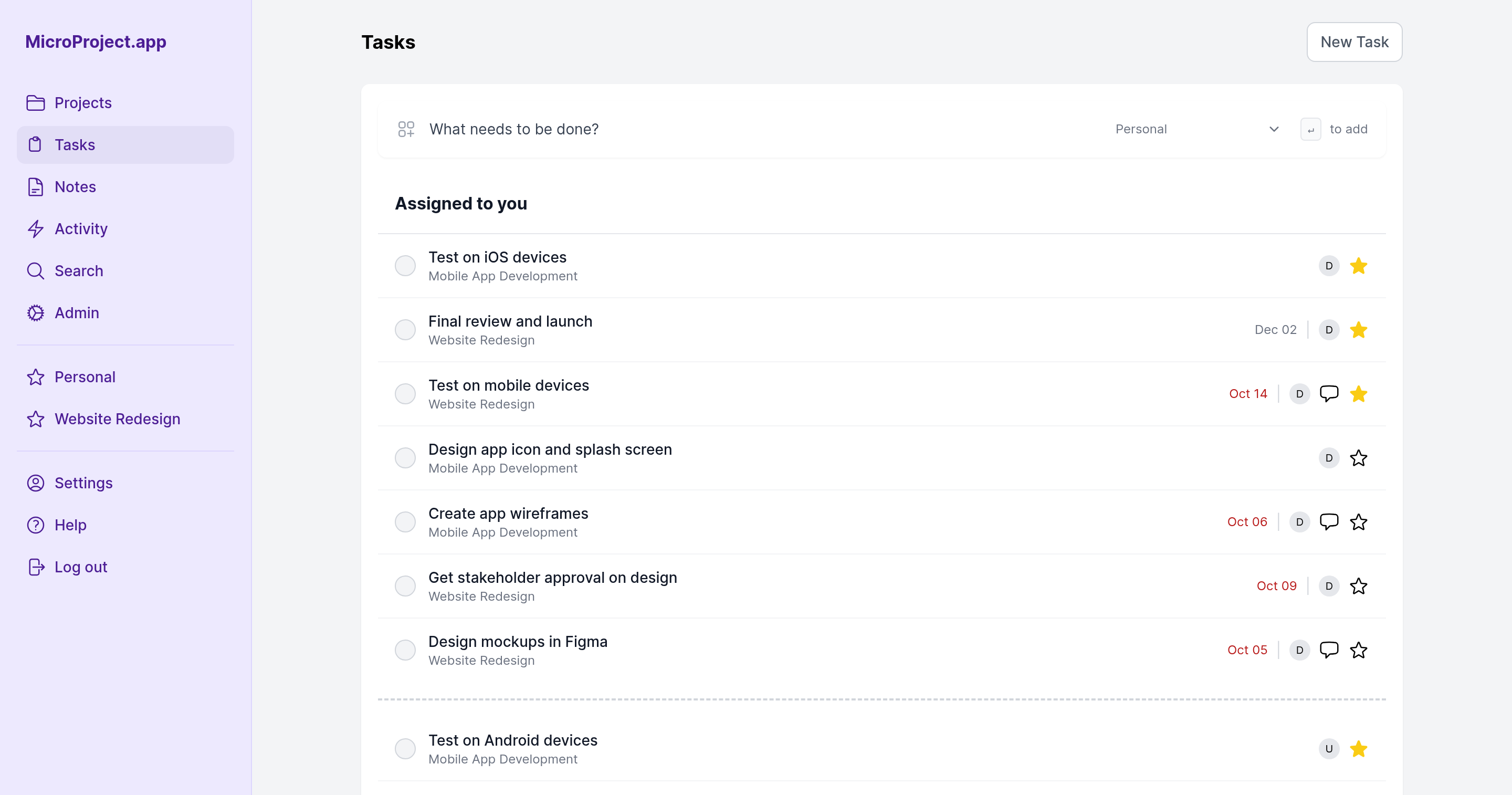
- Tasks
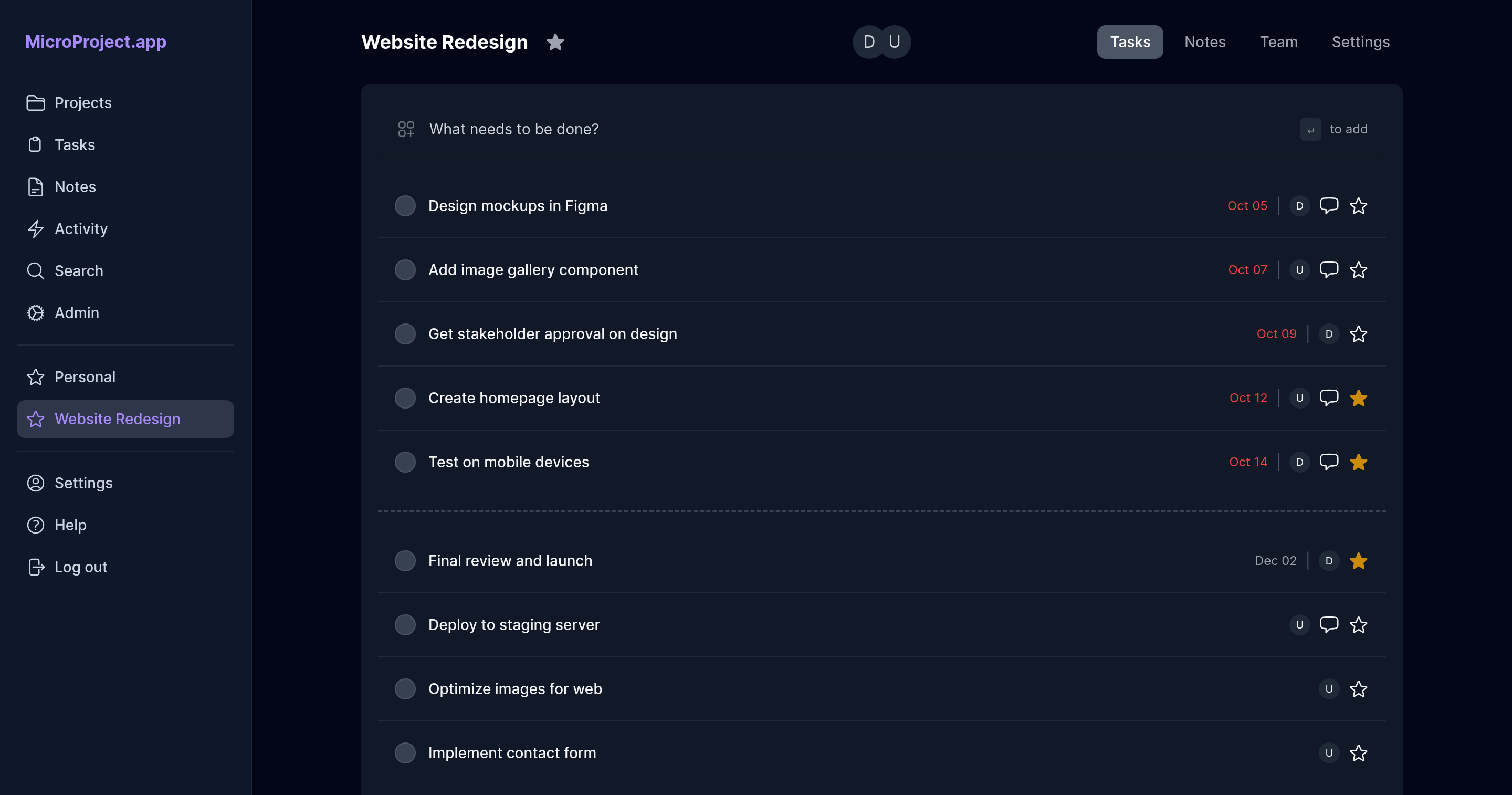
- Due dates, assignee, star, and comments with markdown. Move tasks between projects, quick-add from the list, a completed tasks list, and change history.
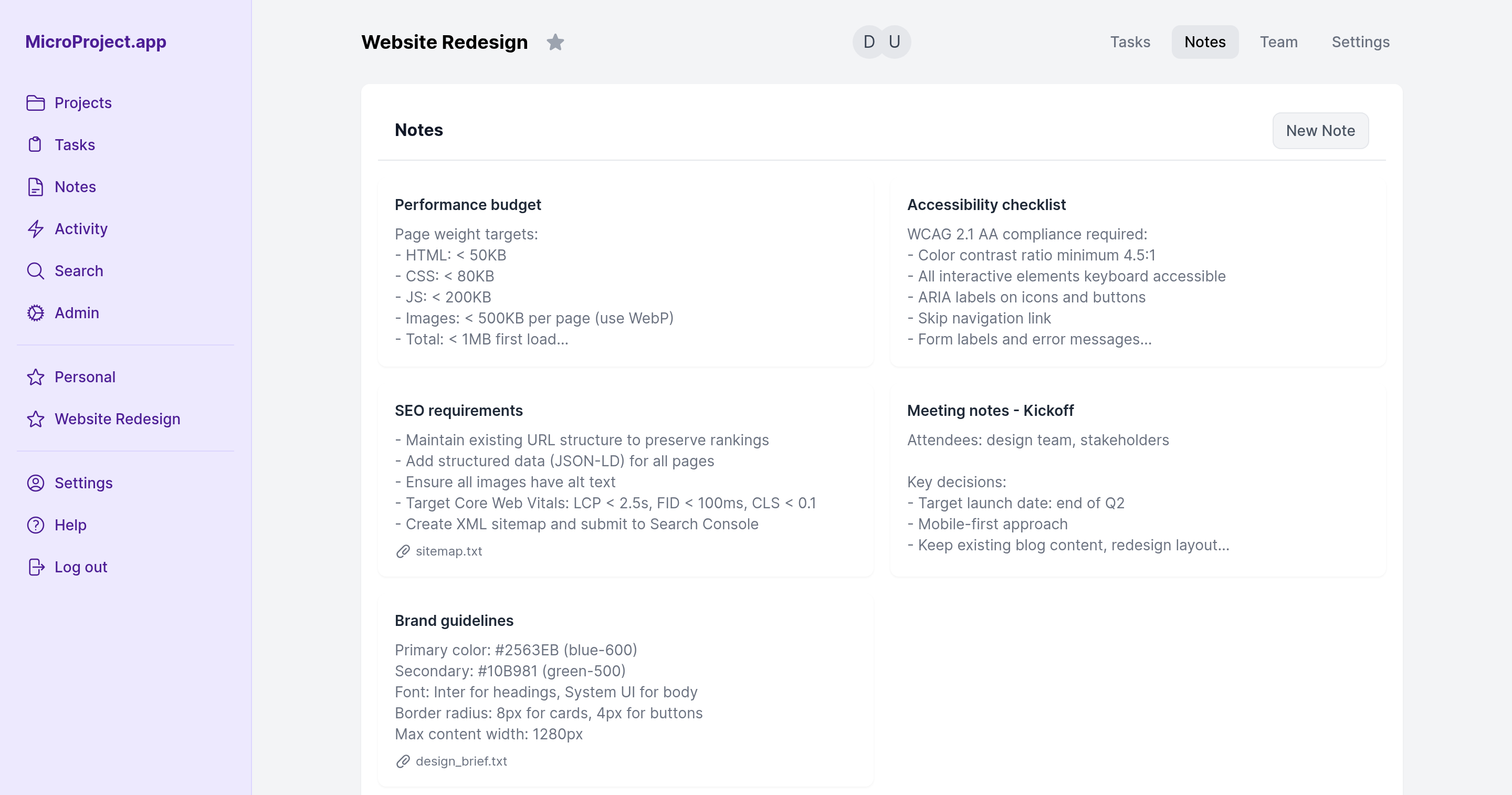
- Notes
- Markdown notes per project with comments and file attachments. Star notes, and see them all on a global notes page.
- Activity
- A per-project activity feed and a global one across all your projects, grouped by day.
- Search
- Find tasks and notes across projects.
- Dark mode and themes
- Follows your system or switch manually. Five color themes (Gray, Indigo, Orange, Pink, Violet) and a compact mode.
- Desktop and mobile
- Responsive layout with mobile navigation.
- API and MCP
- REST API with personal access tokens, plus an MCP server for Claude Code.
- Authentication
- Email and password, Google OAuth, or Microsoft Entra ID OAuth. Sign-ups can be restricted to an email domain or disabled. An admin page to manage users.
- Deployment
- Docker image, or a VPS with Nginx and Puma. Guides for DigitalOcean, Render, Railway, Fly.io, and Heroku. Needs PostgreSQL; S3 is optional for attachments.
Quick start
Run it locally with Docker.
Shellgit clone https://gitlab.com/dzaporozhets/microprojectapp.git
cd microprojectapp
docker-compose -f docker-compose.dev.yml up --build
Runs at http://localhost:3000. For development only, not recommended for production.
Guides
Screenshots
Mobile
The same pages on a phone: the sidebar folds into a menu and the task list stays one column.
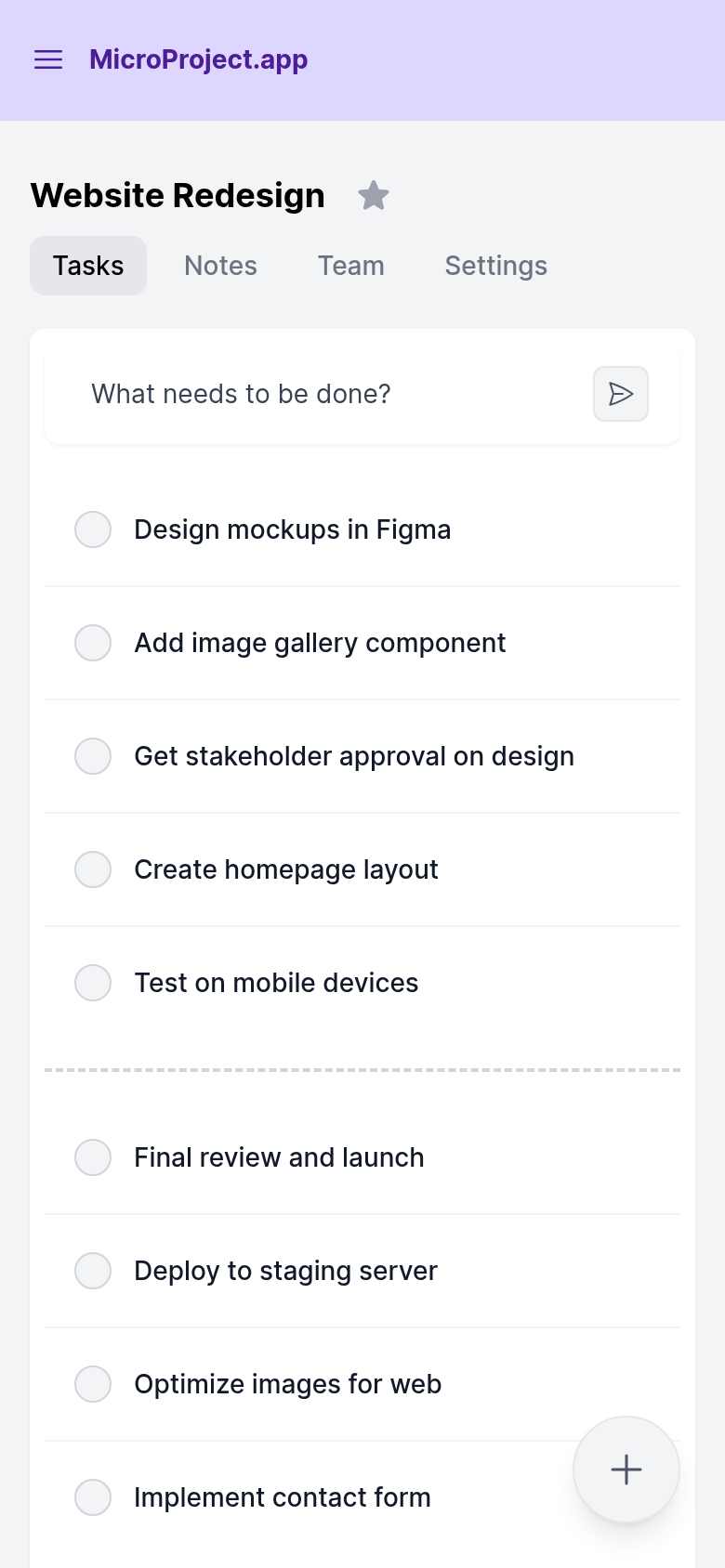
Screenshots from version 0.26.